
Registration and Configuration
Before creating an access key, please register an account. Our official website is: https://yacode.xyz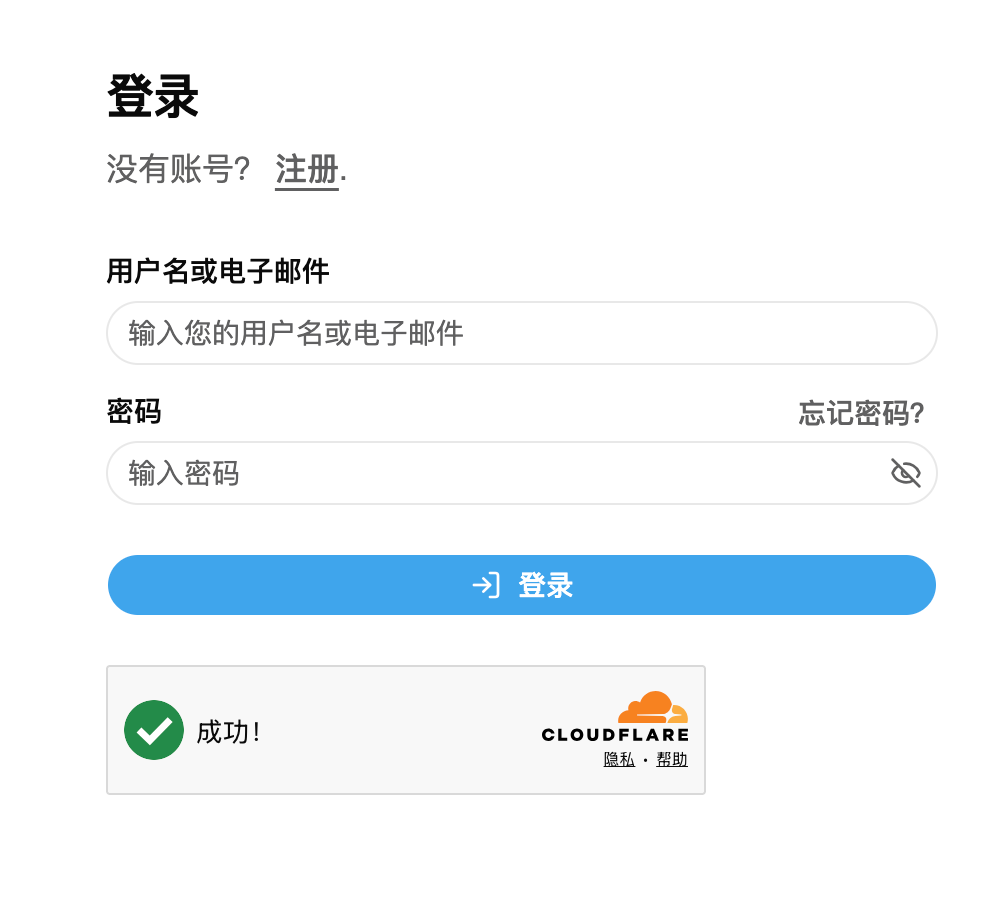
Configure API Key
- Log in to your account and enter the dashboard console.
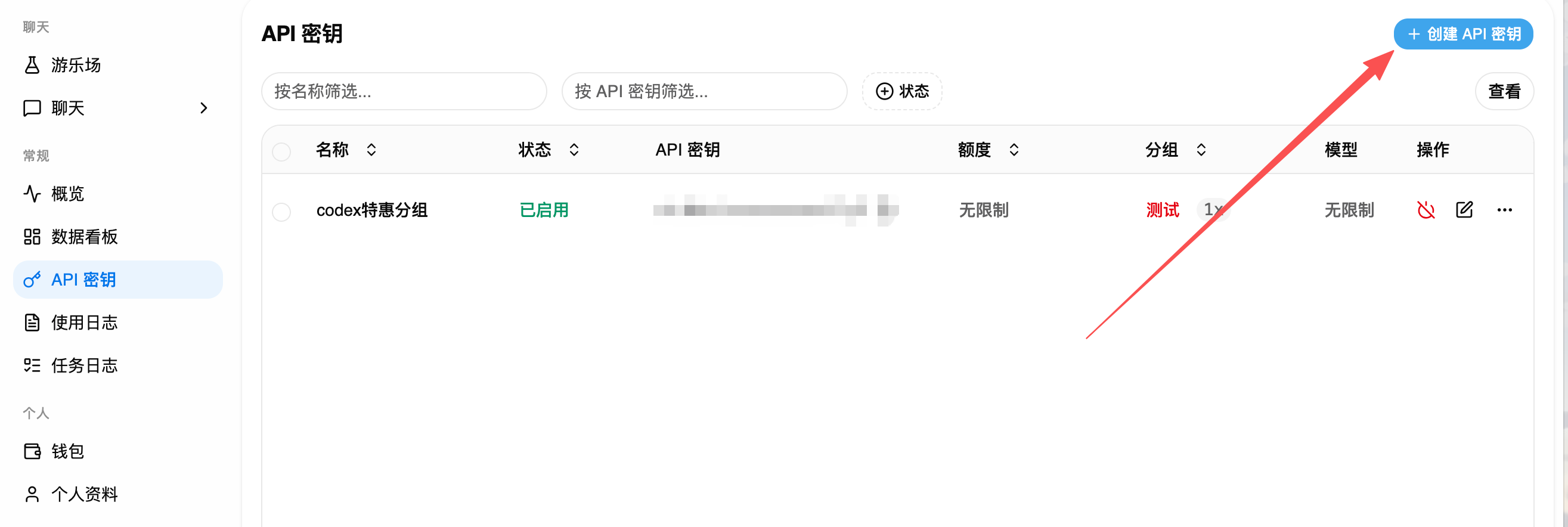
- Click "API keys" (API密钥) on the left sidebar.
- Click "Create API Key" (创建API密钥).
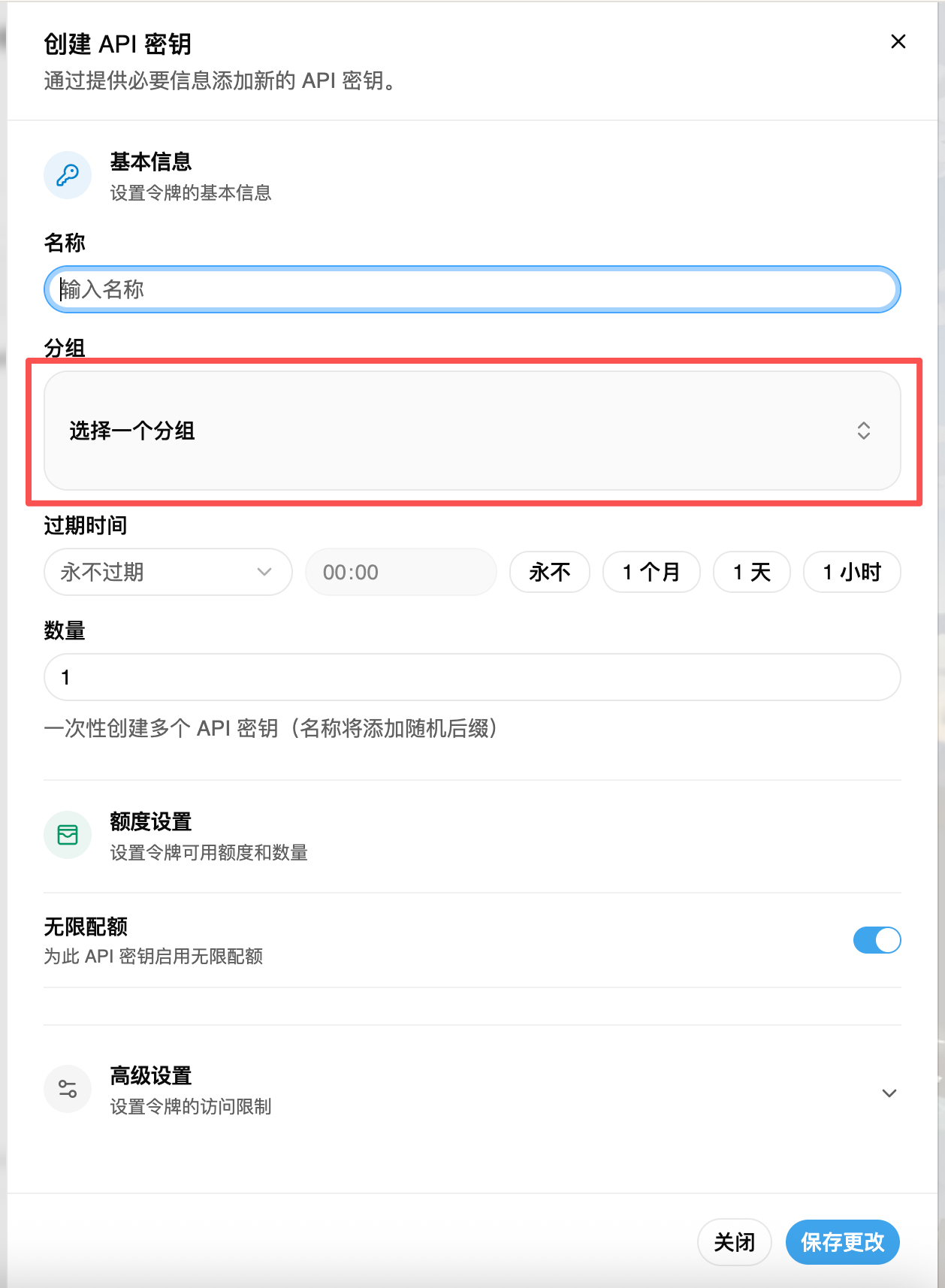
- Fill in the "Name" (名称) and select the "Group" (分组), keeping other settings as default.
FAQ
Did not receive email verification code during registration
- Check the spam folder or email filter rules.
- Confirm that the email address is correctly spelled.
- Wait a few moments and try again.
- Contact support/technical staff for assistance.